v1.0.0Initial release
Initial release
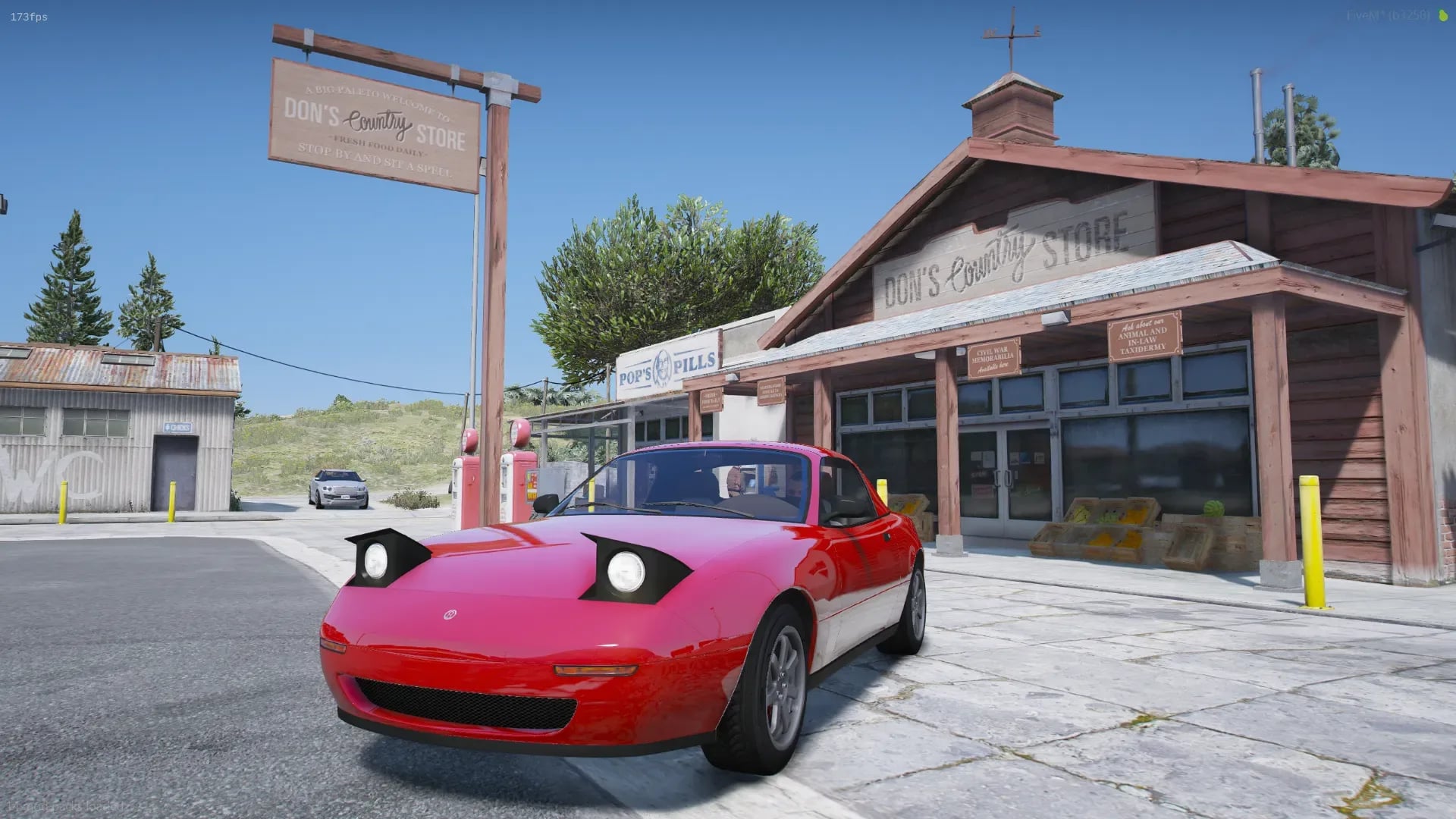
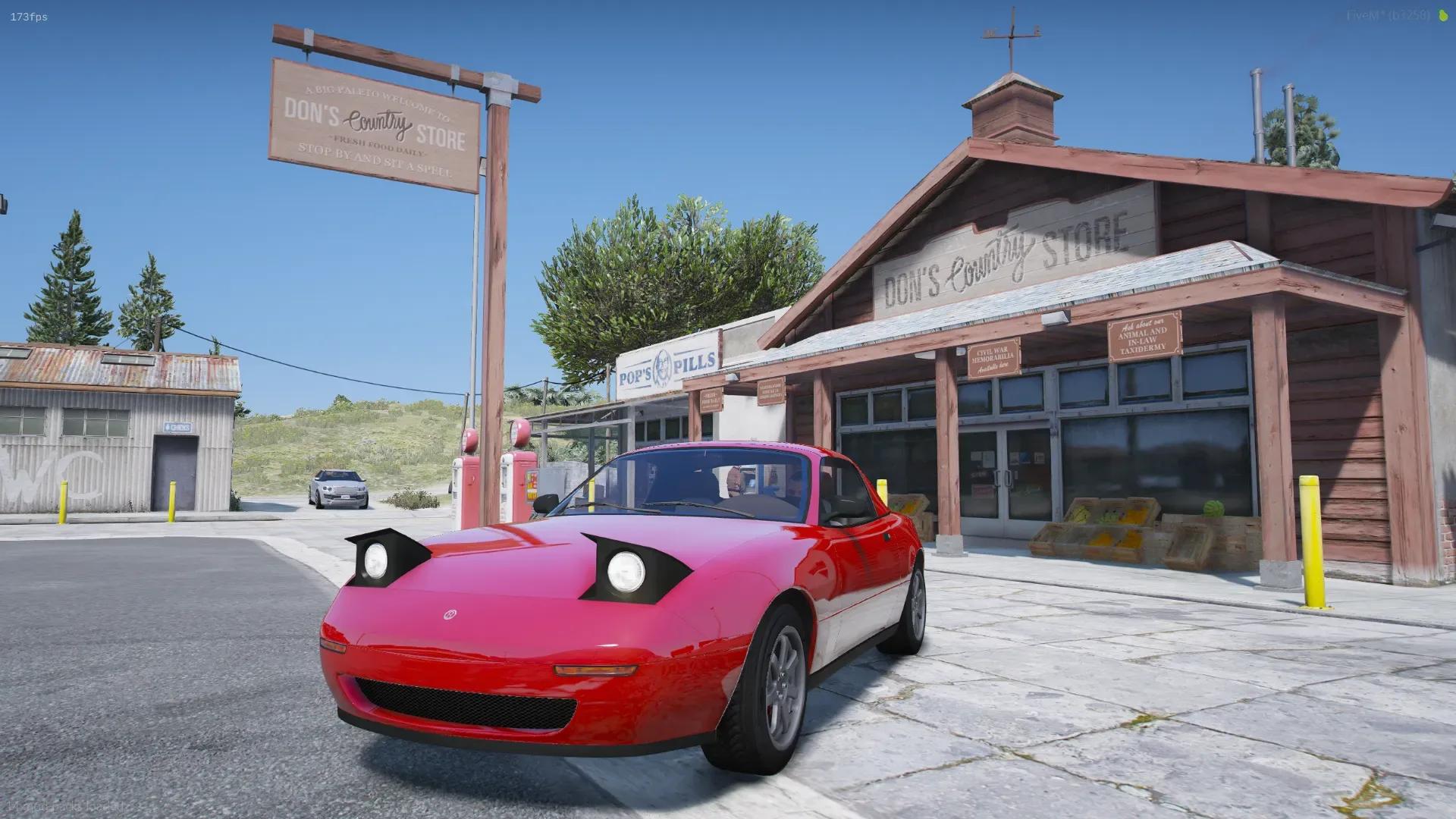
A lore-friendly Dinka Kawaii JDM roadster with pop-up headlights, custom handling and 60+ tuning options.
One-time payment · tax included · instant download
The Dinka Kawaii is a lore-friendly JDM roadster for FiveM, styled like a car that belongs in GTA V. It has pop-up headlights, a hardtop, custom handling and more than 60 tuning parts.
| Style | Vanilla, lore-friendly (Dinka brand) |
| Tuning | 60+ custom tuning options |
| Handling | Custom handling for street racing and drifting |
| Textures | High-quality textures and paint maps |
| Detail | Pop-up headlights, opening doors, hood and trunk, engine bay |
| Model size | YFT 1.59 MB, YTD 0.25 MiB |
| Install | Add-on, drag and drop |
See more lore-friendly FiveM cars, like the Maibatsu Sunrise R.
Every update is free for buyers and shows up in your downloads.
Initial release
Instantly. As soon as your payment is confirmed, the files appear in your Downloads, together with every future update.
Yes. Every vehicle is a drag-and-drop FiveM resource: put the folder in your resources and start it in server.cfg.
Not out of the box, unless the description says so. The models aren’t locked to FiveM, so you can convert them to a singleplayer or RageMP dlc.rpf yourself.
No. Rockstar doesn’t allow modified game files in GTA Online.
Drag and drop the resource and start it in your server.cfg. Step-by-step guides are in our docs.
Yes. Vehicles don’t depend on a framework, so they work on ESX, QBCore, Qbox or with no framework at all.
Ask us on Discord and we’ll help you fix it. If a resource doesn’t work as described and we can’t fix it, you get a refund, as set out in our refund policy.