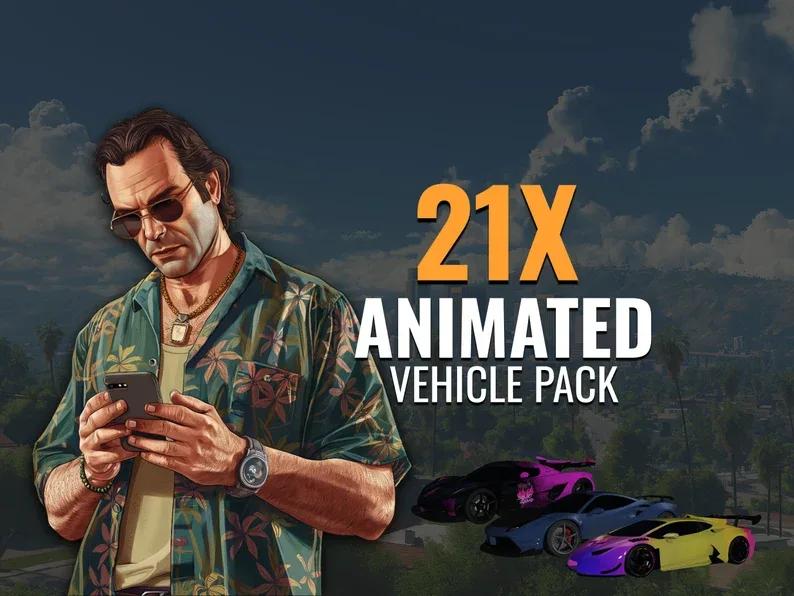
FiveM Animated 21X Vehicle Pack | Debranded Cars
EUR 25.50EUR 30.00
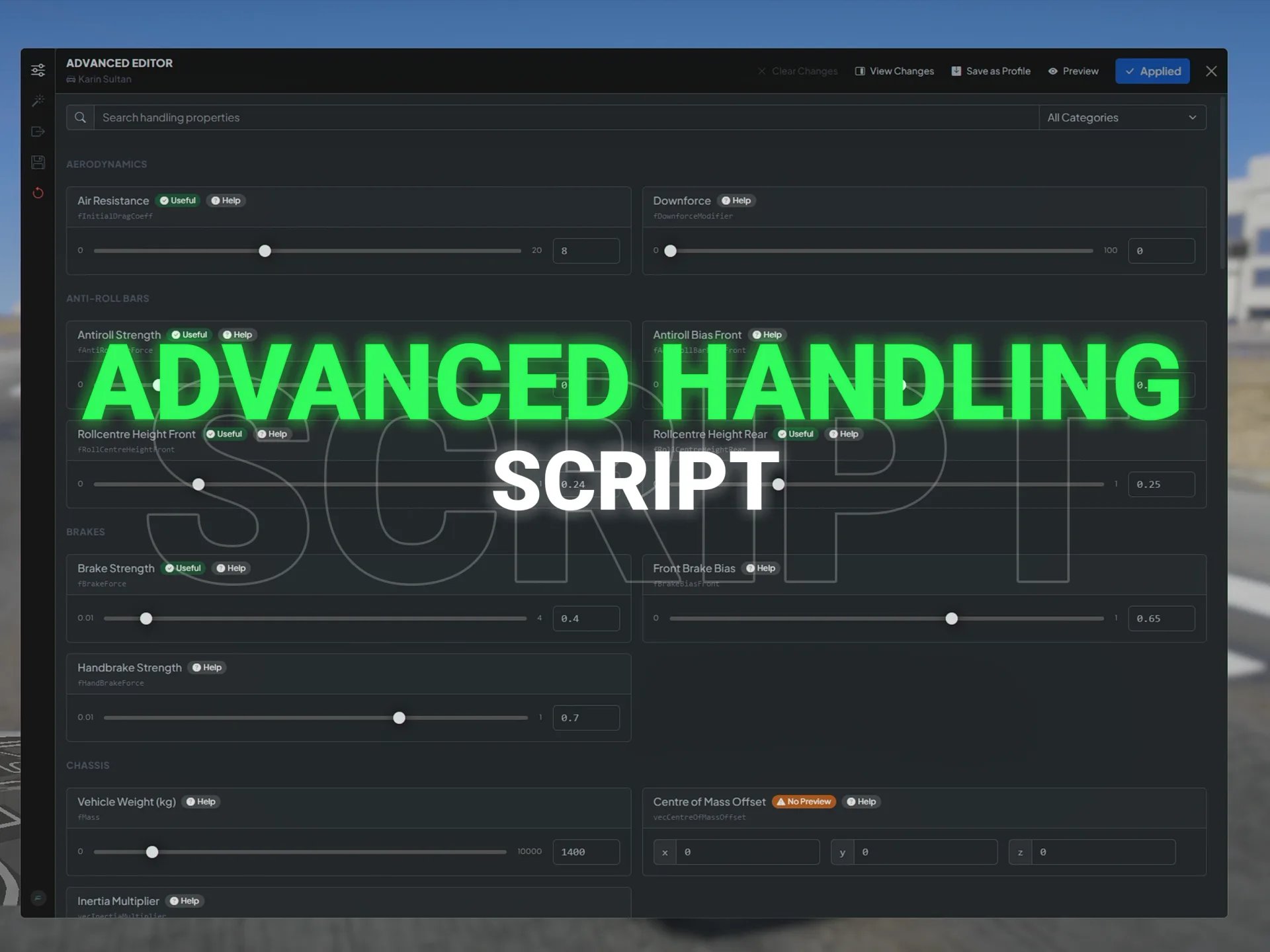
Edit vehicle handling in game with live preview, simple sliders and telemetry. Export handling.meta or save per car.
One-time payment · tax included · instant download
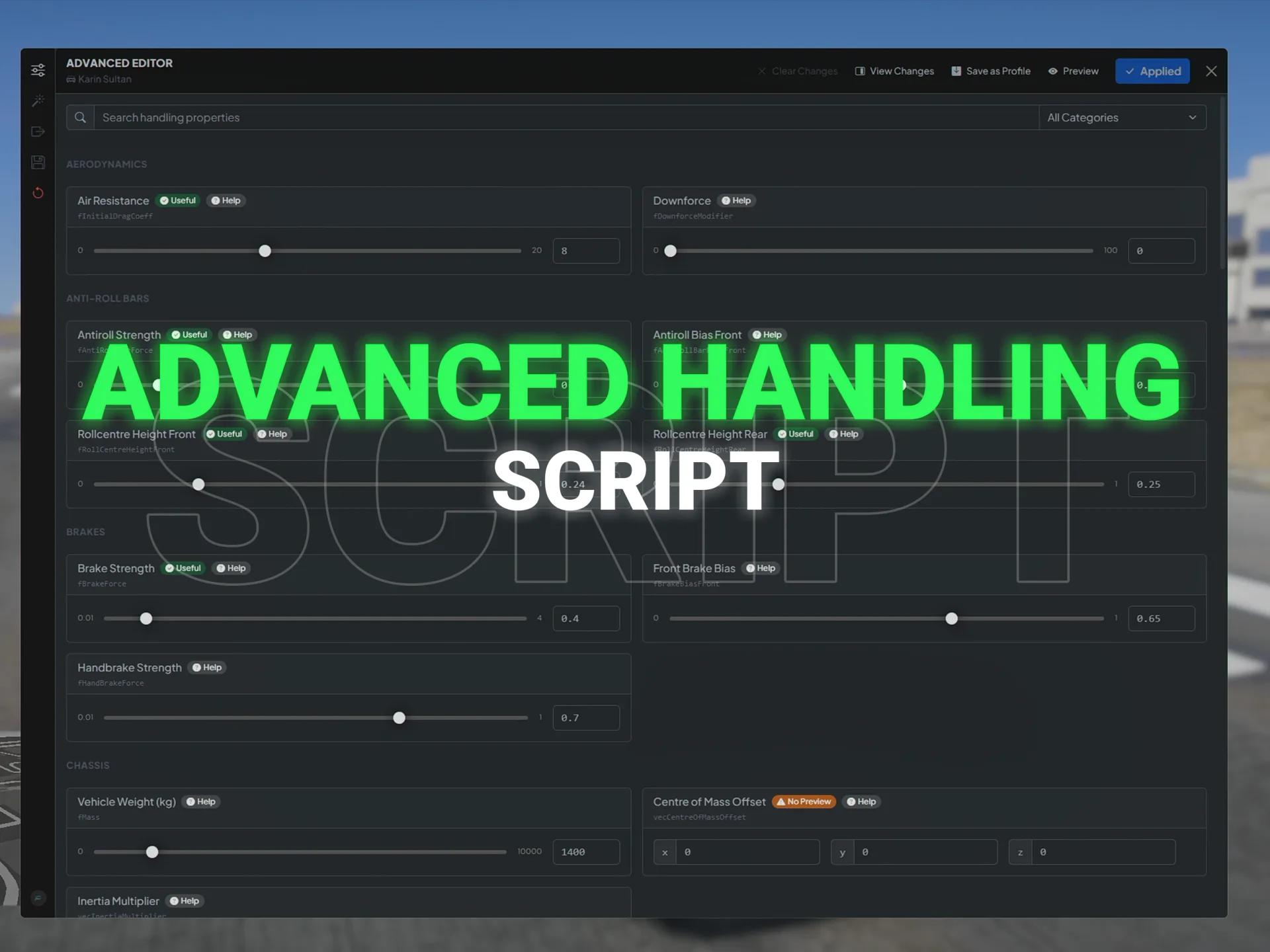
Tune vehicle handling inside the game instead of editing XML files and restarting. Change values, feel the difference straight away, measure the result, then export a handling.meta or save the tune to the database.
| Live editing | Changes apply instantly, with a preview that matches the exported XML |
| Simple mode | Sliders for acceleration, cornering, brake force and downforce, plus presets |
| Advanced mode | Every handling value, with an explanation and recommended range for each |
| Telemetry | 0-60 mph, 0-100 mph, 1/4 mile and top speed, with before/after graphs |
| Flags | Model and handling flags as a checklist, no hex maths |
| Profiles | Save named handling profiles and share them |
| Saving | Apply temporarily, to one plate, or to every car of a model (stored in the database), or export handling.meta |
| Access | Everyone, or locked to mechanic jobs |
| Sync | OneSync state bags, so every player sees the same handling |
ox_lib and oxmysqlGive your mechanics a place to work: Redline Performance and TuneTown MLOs, or the Mechanic Job.
No reviews yet. Customers who own this product can write the first one.
Every customer who reviews a product they own gets a 20% discount code as a thank-you, whatever rating they give.
Customer reviews will show up here.
Instantly. As soon as your payment is confirmed, the files appear in your Downloads, together with every future update.
Each script lists its frameworks on the product page (ESX, QBCore, Qbox or standalone).
Scripts marked “License key included” are tied to your server’s IP. You can change the IP yourself any time on your License keys page.
Yes. Every purchase includes all future updates, downloadable from your account.
Ask us on Discord and we’ll help you fix it. If a resource doesn’t work as described and we can’t fix it, you get a refund, as set out in our refund policy.
Open a ticket in our Discord and the team will help you get it running.