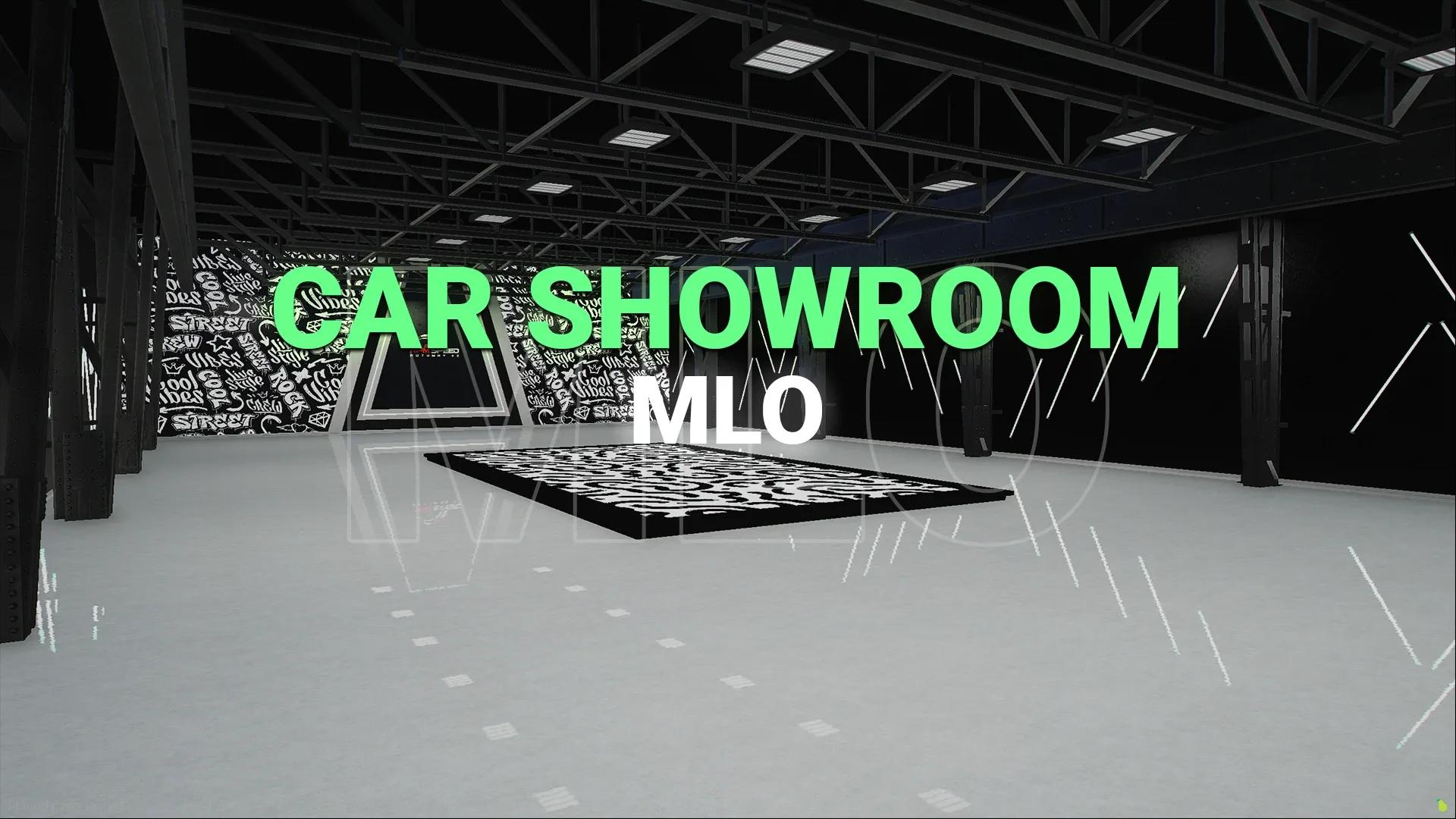
FiveM Car Showroom MLO | Industrial Tuner Showroom
EUR 8.50EUR 10.00
Two-building tuner shop MLO in Little Seoul: garage, paint booth, 3-car showroom, optional dyno and a VIP showroom.
One-time payment · tax included · instant download
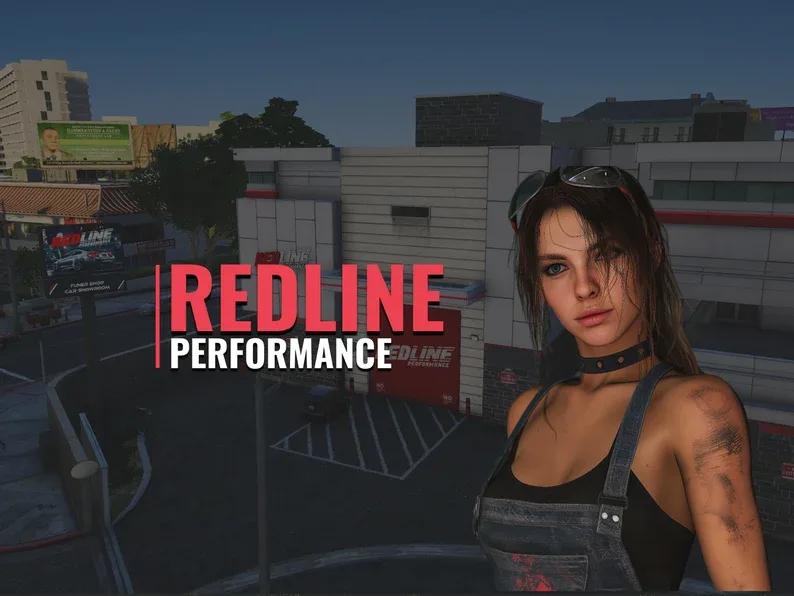
Redline Performance is a tuner shop MLO for FiveM inspired by street racing and car tuning culture. It's two buildings in one pack: the main tuner shop and a separate VIP showroom with its own entrance, side by side in Little Seoul.
| Main building | VIP showroom | |
|---|---|---|
| Rooms | Garage, paint booth, 3-car showroom, office, bathroom, warehouse, secret room | Garage, meeting room, kitchen, 2 offices, 3-car showroom |
| Props | 355 | 301 |
| Extras | Optional dyno | Separate exterior entrance |
| Download size | 35 MB | 16 MB |
vector3(-581.6, -925.5, 27.6)Posters and signs use GTA in-game brands (Sumo, Power Metal, Bravado), with the custom Redline Performance branding outside.
It's a map, so it doesn't depend on a framework: ESX, QBCore, Qbox and standalone. Pair it with any mechanic or car dealer script; no script is included.
frozen_redline_performance folder into your resources folder. It holds both buildings.ensure frozen_redline_tuner_shop ensure frozen_redline_vip_showroom
Pair it with the TuneTown Mechanic MLO for a second workshop, or the CarPlay script for your customers' cars.
ensure frozen_redline_tuner_shop
ensure frozen_redline_vip_showroomNo reviews yet. Customers who own this product can write the first one.
Every customer who reviews a product they own gets a 20% discount code as a thank-you, whatever rating they give.
Customer reviews will show up here.
Instantly. As soon as your payment is confirmed, the files appear in your Downloads, together with every future update.
Yes. Put the resource in your server and start it in server.cfg. Guides are in our docs.
Yes. MLOs don’t depend on a framework and work on any FiveM server.
Ask us on Discord and we’ll help you fix it. If a resource doesn’t work as described and we can’t fix it, you get a refund, as set out in our refund policy.
Open a ticket in our Discord and the team will help you get it running.