
WrappedVerified purchase
It is the best product I have ever bought, very clean made and my server love it! I'm definitely recommending these type of scripts!
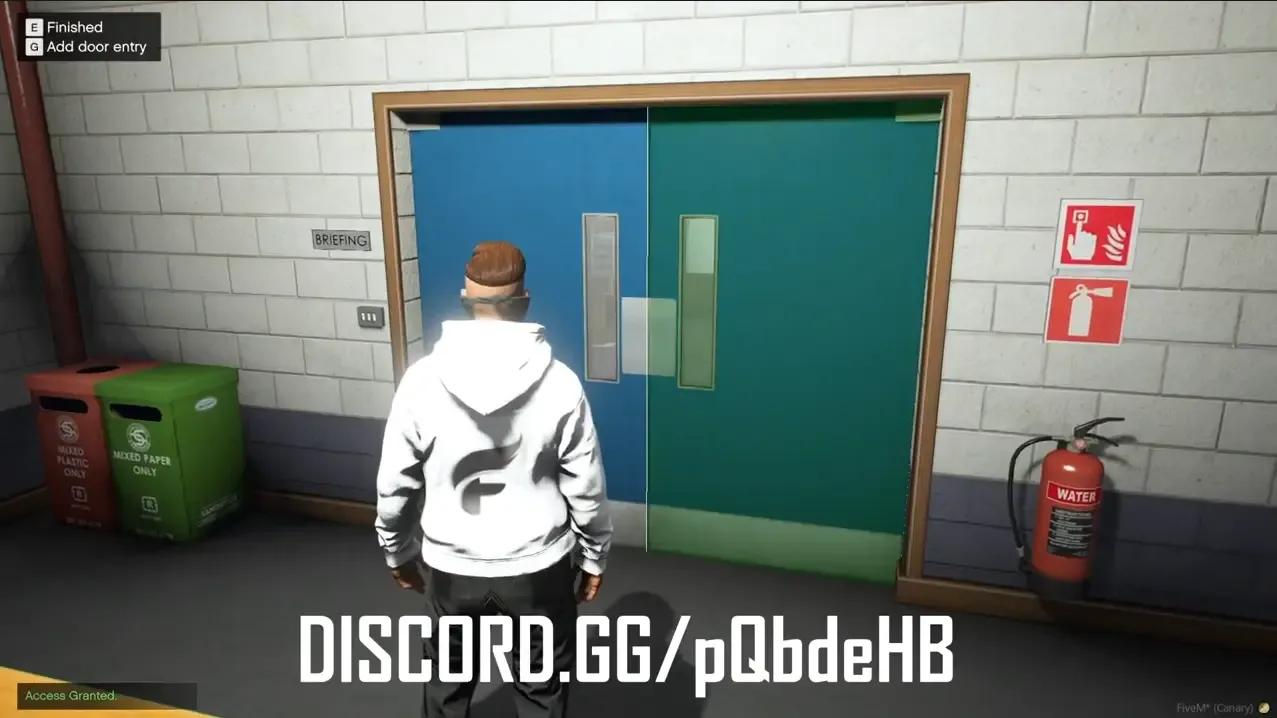
Lock doors by job and rank, items or minigames, and add doors in game. Includes a key shop. Open source, for ESX.
One-time payment · tax included · instant download
Control who can get through every door on your server. Add doors in game, then lock them by job and rank, by key items, or behind a minigame.
| Option | What it does |
|---|---|
| Job and rank | Only set jobs and grades can open the door |
| Keys and items | Unlock with a key or any item |
| Minigames | Use almost any minigame that has a callback |
| Break-in | Set the break-in minigame difficulty per door |
| Raids | Give certain jobs raid access |
More ESX scripts.
Every customer who reviews a product they own gets a 20% discount code as a thank-you, whatever rating they give.
It is the best product I have ever bought, very clean made and my server love it! I'm definitely recommending these type of scripts!
Instantly. As soon as your payment is confirmed, the files appear in your Downloads, together with every future update.
Each script lists its frameworks on the product page (ESX, QBCore, Qbox or standalone).
Scripts marked “License key included” are tied to your server’s IP. You can change the IP yourself any time on your License keys page.
Yes. Every purchase includes all future updates, downloadable from your account.
Ask us on Discord and we’ll help you fix it. If a resource doesn’t work as described and we can’t fix it, you get a refund, as set out in our refund policy.
Open a ticket in our Discord and the team will help you get it running.