
thexyzz.Verified purchase
Awesome fireworks! :)
Awesome fireworks! :)
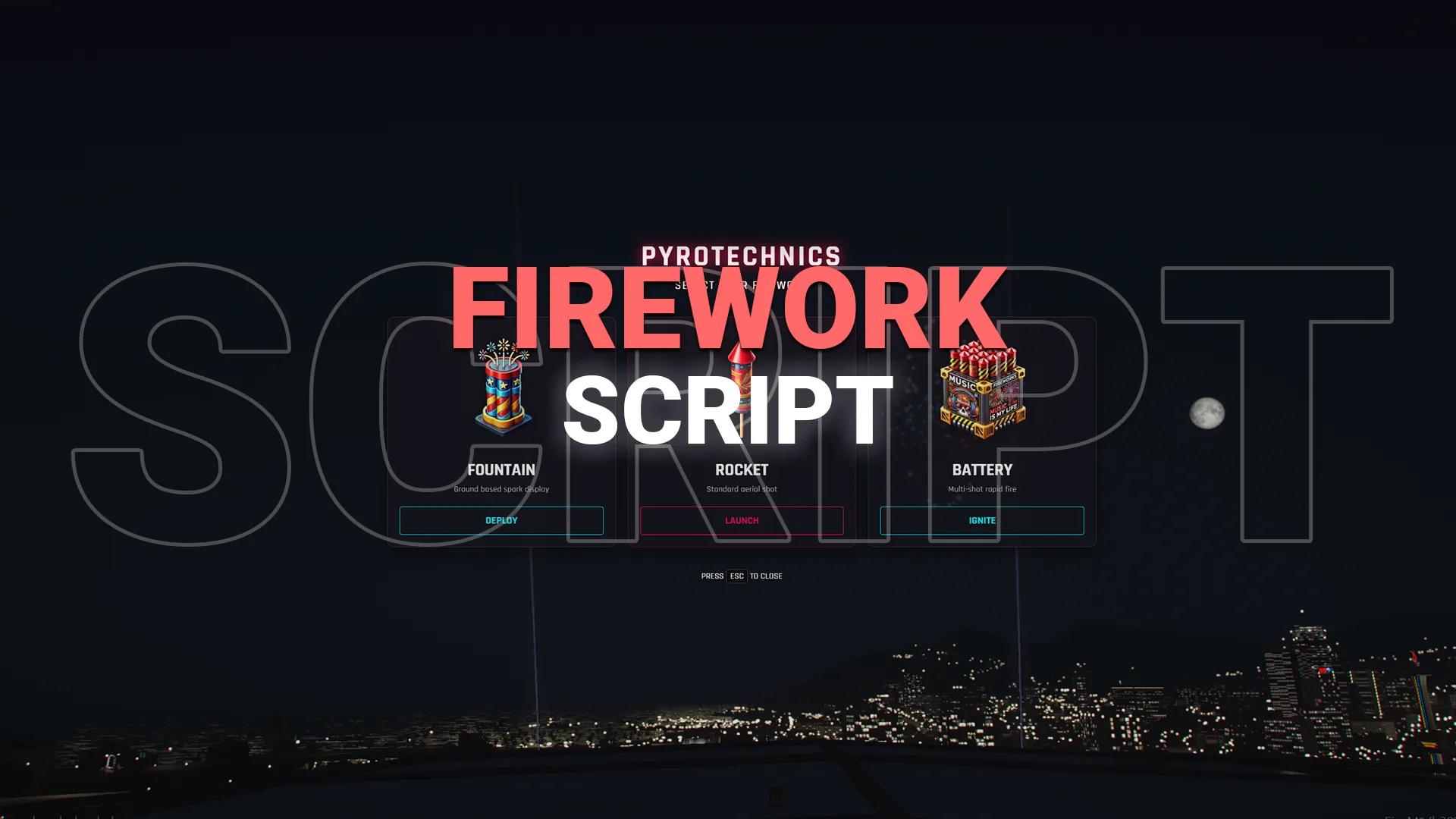
Fountains, rockets and batteries with any RGB color, multi-color combo bursts and 3D distance sound. ESX, QBCore, Qbox.
One-time payment · tax included · instant download
Put on a firework show for New Year’s Eve, a server anniversary or a concert. Pick a firework type and its colors, and every nearby player sees and hears the same show.
| Type | What it does |
|---|---|
| Fountain | Ground sparks with set duration, size and color, including two-color side-by-side streams |
| Rocket | Flies high and bursts into a large starburst |
| Battery | Multi-shot box with random launch delays, flight times and spread |
{ r = 0, g = 255, b = 0 }Colors are synced, so everyone sees the same burst.
Staff can launch fireworks with chat commands, or you can make them usable items players buy in stores. Items can be used up when launched.
| Frameworks | ESX, QBCore, Qbox, vRP (detected automatically), or standalone with commands |
| Inventories | ox_inventory, qb-inventory, esx_inventory |
| Config | Commented config.lua: shot counts, speeds, scales, effects, sound range, colors |
More standalone scripts.
Every customer who reviews a product they own gets a 20% discount code as a thank-you, whatever rating they give.
Awesome fireworks! :)
Instantly. As soon as your payment is confirmed, the files appear in your Downloads, together with every future update.
Each script lists its frameworks on the product page (ESX, QBCore, Qbox or standalone).
Scripts marked “License key included” are tied to your server’s IP. You can change the IP yourself any time on your License keys page.
Yes. Every purchase includes all future updates, downloadable from your account.
Ask us on Discord and we’ll help you fix it. If a resource doesn’t work as described and we can’t fix it, you get a refund, as set out in our refund policy.
Open a ticket in our Discord and the team will help you get it running.